
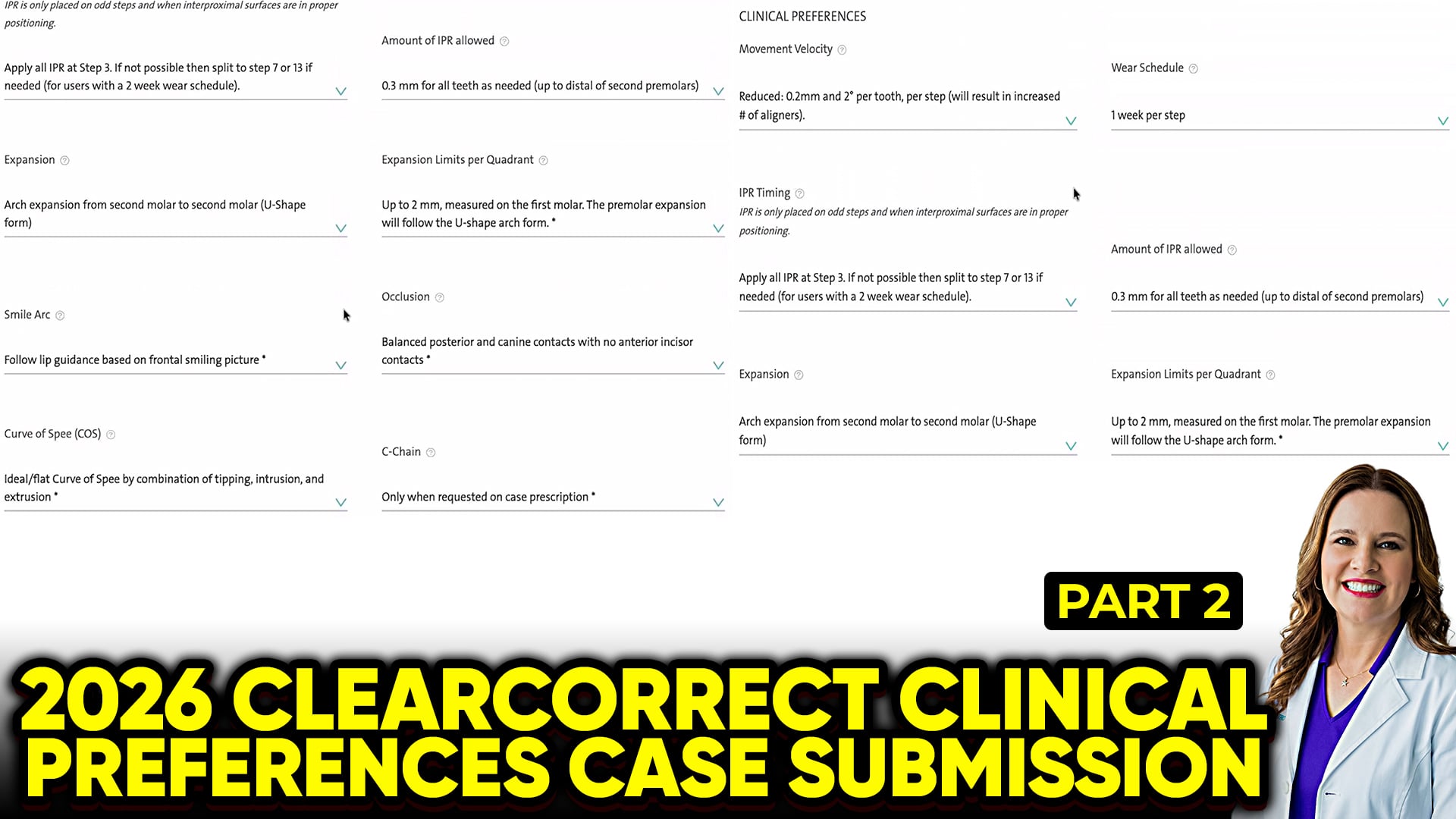
 Clinical Optimization: Setting Up ClearCorrect & Straumann PreferencesOptimizing your digital dental workflow saves hours of chair time. ClearCorrect and Straumann offer robust backend settings, but their factory defaults might not match your clinical philosophy. Let’s look at how to fine-tune your ClearCorrect doctor portal preferences for maximum predictability.Why Default Settings Aren’t EnoughFactory presets are designed for broad compliance, not necessarily the most efficient or stable tooth movement. By customizing your setup profile, you instruct the digital technicians exactly how you want your setups engineered from day one. This significantly reduces the need for back-and-forth case revisions.Key Preference Configurations1. Bolton Index Variations & Space ManagementThe default settings often fall short when dealing with tooth size discrepancies.Adult Dentition: Instead of allowing the software to automatically calculate anterior alignment, many clinicians prefer to manually dictate Interproximal Reduction (IPR) to the opposing arch. This gives you absolute control over the final overjet.Pediatric Cases: Standard defaults rarely account for erupting teeth correctly. For mixed dentition, configure your preferences to deliberately leave space distal to the upper laterals or canines. Alternatively, check the option to “use custom instructions” to force manual review for every young patient.2. Smile Arc & Engager ProtocolsPreserving or enhancing a patient’s smile arc is a critical aesthetic outcome.Smile Arc Presets: ClearCorrect’s automated setups generally handle the natural curvature of the smile arc quite well. Leaving this section at the standard platform default is acceptable for the vast majority of cases.Engagers (Attachments): While you can set strict default rules for engager placement, keeping them flexible allows you to strategically place attachments based on specific root movements during individual case reviews.3. Integrated Clinical MonitoringClearCorrect features an in-platform proprietary monitoring app. This allows clinicians to track patient compliance and aligner tracking digitally.While third-party tools like Dental Monitoring remain popular, leveraging the built-in system can streamline your software ecosystem. If you are already paying for the ClearCorrect ecosystem, testing the built-in tracking module on a few low-complexity cases is a smart way to evaluate its efficiency.The Foundation: Looking Back at Part 1Remember that these digital preferences rely heavily on the physical boundaries you set. Your preferences in this portal should always align with your primary clinical foundations, which include:Selecting a high, straight trim line for maximum retention.Reducing movement velocity to 2mm or 2° per step to ensure predictable tracking and fewer mid-course corrections.