
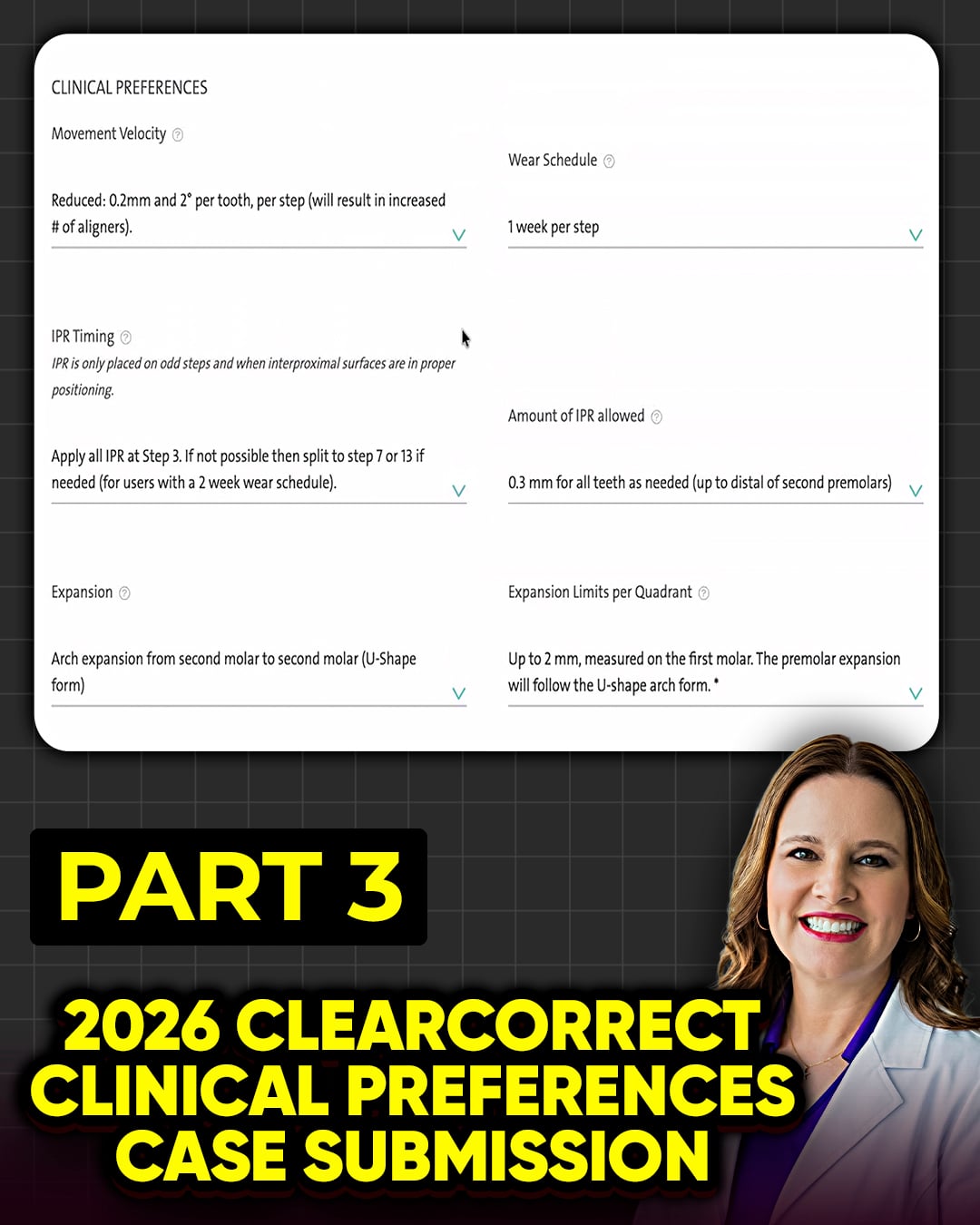
Setting up your ClearCorrect clinical preferences requires balancing default automation with clinical reality. Here is how to optimize your case submissions for predictable results.Movement Velocity and Wear SchedulesFor movement velocity, select the “Reduced” setting (0.2mm and 2 degrees per step). Because ClearCorrect does not allow further reduction, plan to double those aligners once they arrive. Eyeball the tracking closely and consult an orthodontist to ensure safety. Pair this with a standard wear schedule of one week per step.Strategic IPR TimingIPR timing comes down to personal preference and chair time. Unless your team operates at lightning speed, avoid performing IPR on delivery day. Break up the appointments. Schedule IPR for step three or four instead to keep delivery day stress-free. For kids and teens, set the default IPR to “none” because expansion and space creation are the standard of care. For adults, stick to 0.5mm over 0.3mm to accommodate various tooth morphologies, but customize it as needed.Arch Shape and Expansion LimitsWhen configuring arch shape, avoid “first molar to first molar” expansion. It creates an unnatural “Omega” arch form. Instead, choose “second molar to second molar.”Remember, expansion limits depend entirely on whether you are treating a pediatric, adult, or periodontal patient. Adults have limited bone adaptability and may require no expansion at all. In these cases, utilize a “safe plan” to protect the periodontium. Because ClearCorrect lacks CBCT integration, you cannot see the underlying bone. Treat expansion limits on a customized, case-by-case basis rather than relying on a universal default.