
Unlocking Invisalign’s 3D AI Profile Simulation: What Doctors Need to Know
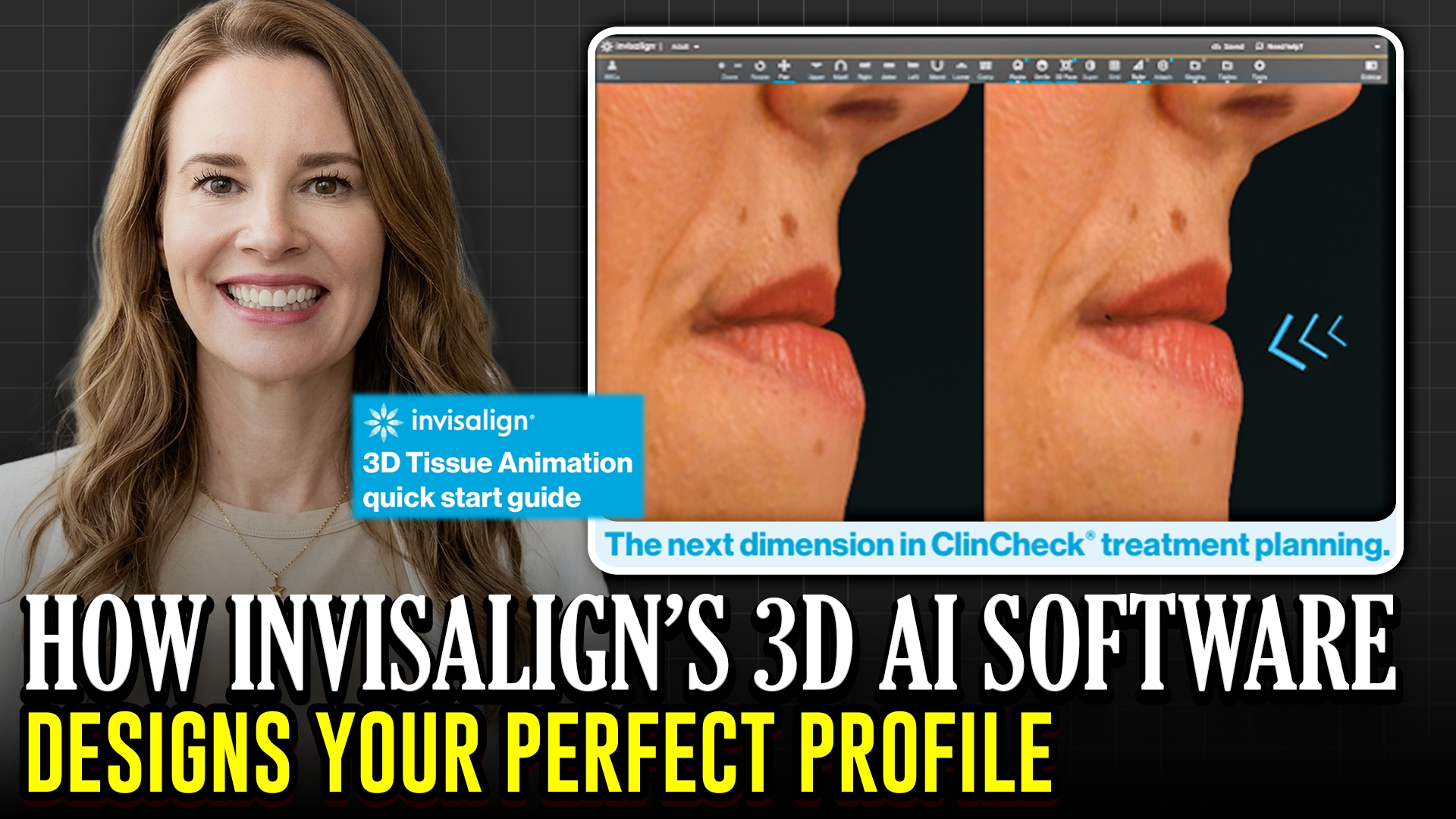
Align Technology recently rolled out a game-changing 3D simulation feature within ClinCheck, and it is a massive step forward for profile planning. While the company frequently launches updates without a major announcement, this new tool is one that general and pediatric dentists should absolutely have on their radar.
In the past, we relied almost entirely on traditional cephalometric radiographs, E-lines, and frontal soft-tissue tools like InFace to estimate how dental movements would impact a patient’s facial profile. This new 3D animation quick-start guide bridges that gap by offering a lateral, soft-tissue visualization based on planned tooth movements.
However, before you start printing out these snapshots for patients to take home, there are critical clinical caveats to keep in mind:
• It is purely an aesthetic guide: This tool visualizes soft-tissue changes, but it does not account for a patient’s unique tissue composition, water retention, or muscle tone.
• The “Filler” Factor: Soft-tissue simulations can be heavily skewed by cosmetic procedures. If an adult patient has active lip fillers, the AI model won’t detect it, which can mislead you into thinking a patient is bimaxillary protrusive. Always verify with a cephalometric X-ray before making extraction decisions.
• Skip it for growing kids: Children experience dynamic facial growth and airway changes that AI soft-tissue models cannot predict. Keep this feature reserved for adult aesthetic cases.
Capturing the extra records with an iPhone takes only a few seconds, making it well worth the minimal effort for complex adult setups. Use it as an internal diagnostic gut check to ensure your retraction or expansion plans won’t inadvertently worsen the patient’s profile.